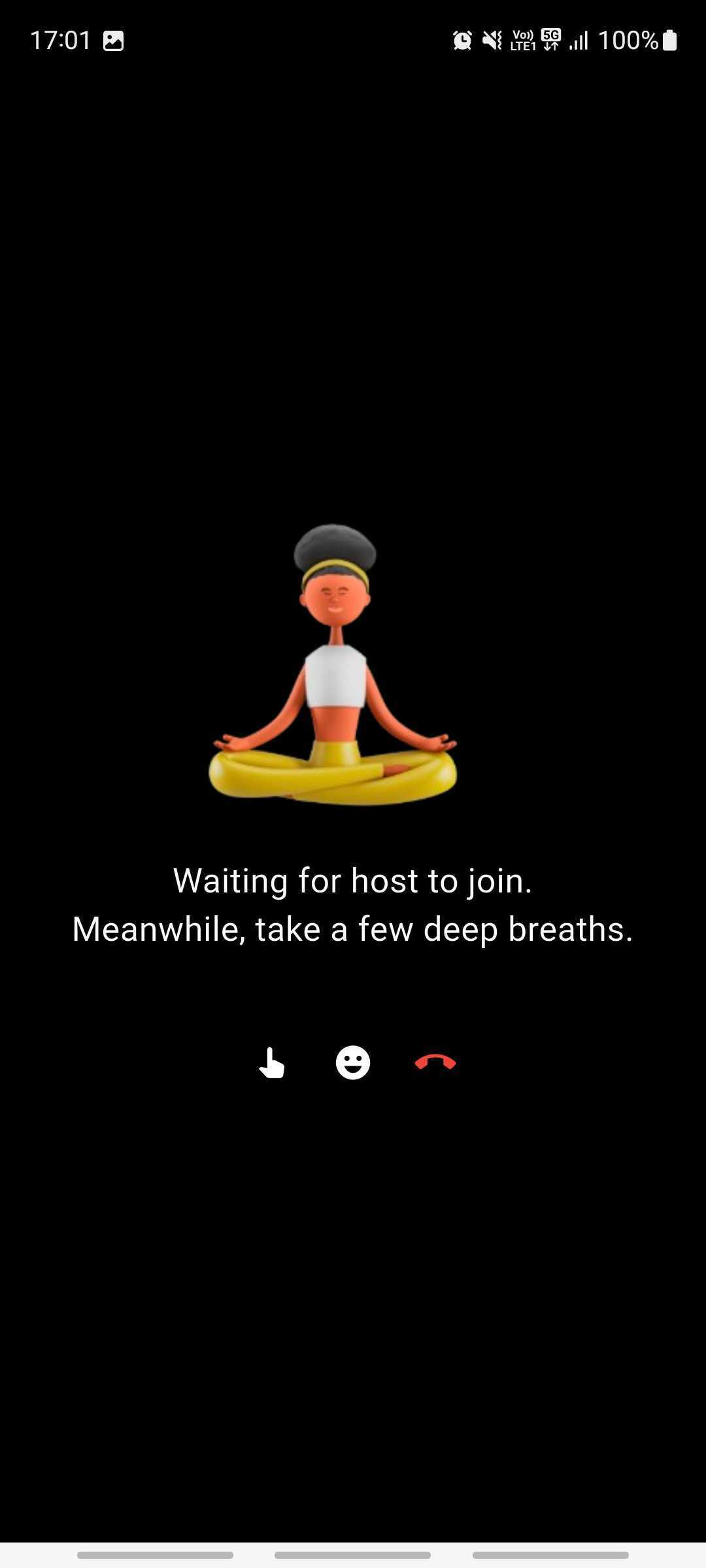
Waiting Screen - Android
Don't render the room for audience members as soon as they join. Instead, show a waiting screen until at least one host is present in the room.
Why This Matters?
-
Hosts are typically responsible for driving the live stream, so audience members should view or interact in the room only once a host is present.
-
Allowing audience members (in RECV_ONLY mode) to enter a live stream with no active hosts (in SEND_AND_RECV mode) can result in confusion and a poor user experience.
Participant Modes
- Hosts must join the room with the SEND_AND_RECV mode.
- Audience members should join with the RECV_ONLY mode.
Implementation Guide
You can achieve this with the participants map and the onParticipantJoined and onParticipantModeChanged events of RoomEventListener.
- Check if a Host is Present
In
onRoomJoined(), checkroom.participantsfor a host. The map holds the other participants, not you.
override fun onRoomJoined(switchRoomId: String?) {
    val hasHost = room.participants.values.any { it.mode == Mode.SEND_AND_RECV }
    Log.d("Tag", "Has Host: $hasHost")
}
If hasHost is true, render the room view. Otherwise, show the waiting screen.
- Listen for Host Join
Also listen for
onParticipantJoinedin case a host joins after the audience participant, and foronParticipantModeChangedin case a participant already in the room becomes a host:
override fun onParticipantJoined(participant: Participant) {
    if (participant.mode == Mode.SEND_AND_RECV) {
        // Show room UI
        Log.d("Tag", "Host joined. Show room view.")
    }
}

override fun onParticipantModeChanged(participantId: String, mode: Mode) {
    if (mode == Mode.SEND_AND_RECV) {
        // Show room UI
        Log.d("Tag", "A participant became a host. Show room view.")
    }
}
This way, waiting audience members move to the room view as soon as a host joins.
Got a Question?  Ask us on discord

