Waiting Screen - React Native
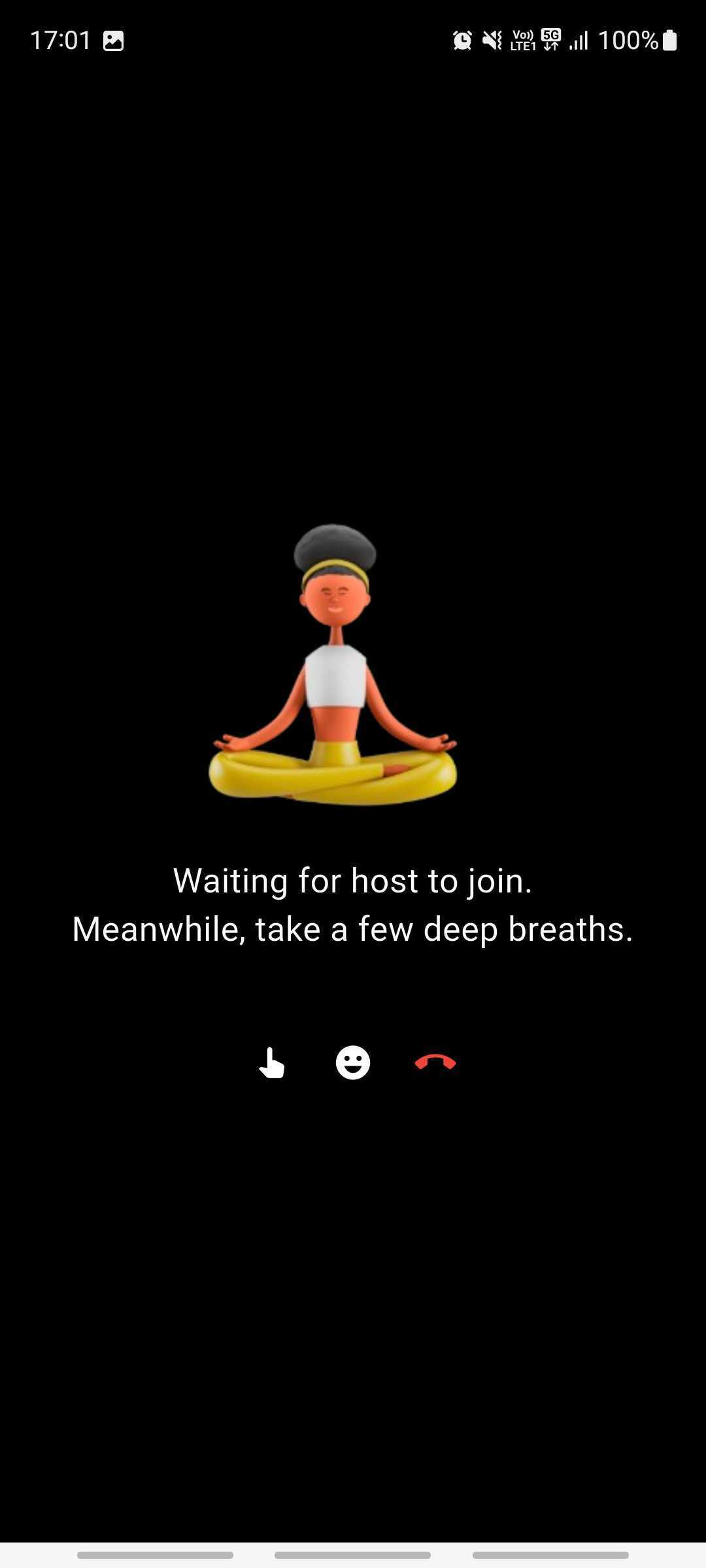
Don't render the room for audience members as soon as they join. Instead, show a waiting screen until at least one host is present in the room.
Why This Matters?
-
Hosts are typically responsible for driving the room, and their presence is essential before audience members should be able to view or interact in the room.
-
Allowing audience members (in RECV_ONLY mode) to enter a room with no active hosts (in SEND_AND_RECV mode) can result in confusion and a poor user experience.
Participant Modes
- Hosts must join the room with the SEND_AND_RECV mode.
- Audience members should join with the RECV_ONLY mode.
Implementation Guide
You can achieve this behavior by using the participants list and onParticipantJoined event from the useRoom hook.
- Check if a Host is Present On initial render, use the participants object to determine if there's already a host in the room:
import { useRoom } from "@videosdk.live/react-native-sdk";

const { participants } = useRoom();

const hasHost = Array.from(participants.values()).some(
  (participant) => participant.mode === "SEND_AND_RECV"
);
If hasHost is true, render the room view. Otherwise, show the waiting screen.
- Listen for Host Join Always listen for the onParticipantJoined event in case a host joins after the audience participant:
import { useRoom } from "@videosdk.live/react-native-sdk";

function onParticipantJoined(participant) {
  if (participant.mode === "SEND_AND_RECV") {
    // Update your state to show the room view
  }
}

const { join } = useRoom({
  onParticipantJoined,
});
This moves waiting audience members into the room view as soon as a host joins.
Got a Question?  Ask us on discord

