React Api Reference
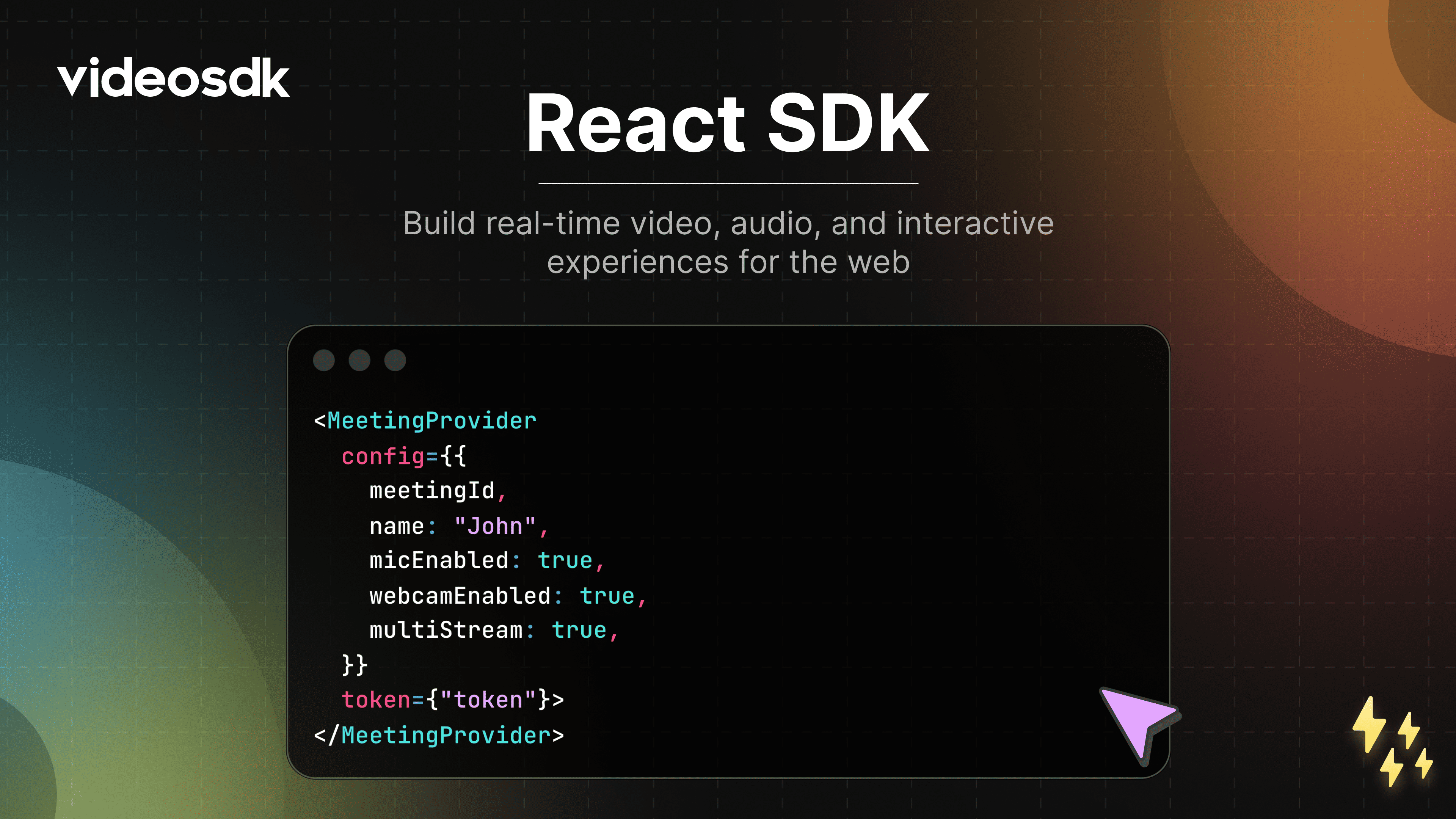




VideoSDK React SDK 🚀
Build fast, scalable, and customizable real-time video applications for the web using VideoSDK.
Whether you’re creating a video conferencing app, virtual classroom, or live streaming platform, VideoSDK provides a robust foundation with minimal setup.
Why VideoSDK?
VideoSDK enables developers to ship production-grade real-time communication features quickly.
- Supports 5,000+ participants
- Low-latency audio, video, and data streams
- Fully customizable UI and workflows
- Works across modern browsers
- Designed for scale and reliability
🌍 Browser Support
VideoSDK supports all major modern browsers.
📖 Full compatibility guide:
https://docs.videosdk.live/react/guide/video-and-audio-calling-api-sdk/supported-browser
🎯 Live Demo
Try the live demo to see VideoSDK in action: https://demo.videosdk.live/conference-meeting/
⚙️ Installation
Get started by installing @videosdk.live/react-sdk in your React application.
Using npm
npm install @videosdk.live/react-sdk
Using yarn
yarn add @videosdk.live/react-sdk
🔥 Meeting Features
Unlock a suite of powerful features to enhance your meetings:
| Feature | Documentation | Description |
|---|---|---|
| 📋 Pre-call Setup | Setup Precall | Configure audio, video, and device preferences before joining a meeting. |
| ⏳ Waiting Lobby | Waiting Lobby | Hold participants in a virtual lobby until they’re allowed to join. |
| 🤝 Join Meeting | Join Meeting | Join a meeting with a single action. |
| 🚪 Leave Meeting | Leave Meeting | Exit the meeting safely without disrupting others. |
| 🎤 Microphone Control | Mute / Unmute Mic | Toggle your microphone during the meeting. |
| 📷 Camera Control | Camera On / Off | Enable or disable your camera stream. |
| 🖥️ Screen Sharing | Screen Share | Share your entire screen or a specific window. |
| 📸 Image Capture | Image Capture | Capture images from participant video streams, ideal for Video KYC use cases. |
| 🔌 Change Input Devices | Switch Input Devices | Switch between available audio and video input devices. |
| 🔊 Audio Output Selection | Switch Audio Output | Select a preferred speaker or output device. |
| ⚙️ Track Optimization | Custom Tracks | Optimize media tracks for better quality and performance. |
| 💬 In-meeting Chat | PubSub Chat | Exchange real-time messages using a publish–subscribe model. |
| 📝 Whiteboard | Whiteboard | Collaborate visually using a shared whiteboard. |
| 📁 File Sharing | File Sharing | Share files securely during the meeting. |
| 📼 Recording | Recording | Record meetings for later playback and auditing. |
| 📡 RTMP Livestreaming | RTMP Livestream | Broadcast meetings live to platforms like YouTube or Facebook. |
| 📝 Real-time Transcription | Live Transcription | Generate real-time transcripts during meetings. |
| 🔇 Remote Media Control | Remote Media Control | Control the microphone and camera of remote participants. |
| 🚫 Mute All Participants | Mute All | Instantly mute all participants in the meeting. |
| 🗑️ Remove Participant | Remove Participant | Remove a participant from the meeting. |
🧪 Sample Application
Explore a fully functional React example that demonstrates real-world implementation of the VideoSDK:
👉 https://github.com/videosdk-live/videosdk-rtc-react-sdk-example