React Native Api Reference - v2.0.1
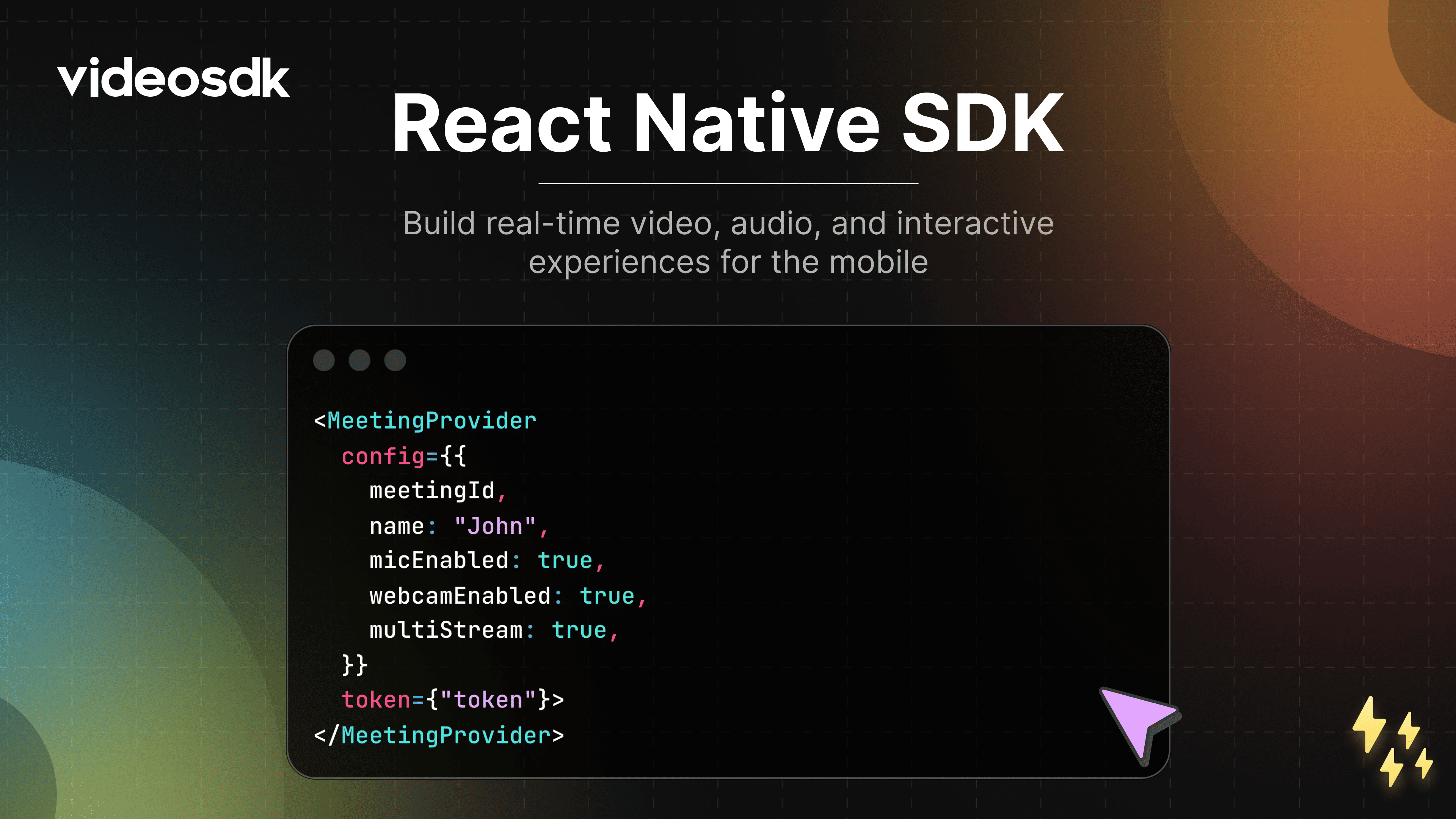




VideoSDK React Native SDK 🚀
Build fast, scalable, and customizable real-time video applications for mobile using VideoSDK.
Whether you’re creating a video conferencing app, virtual classroom, or live streaming platform, VideoSDK provides a robust foundation with minimal setup.
Why VideoSDK?
VideoSDK enables developers to ship production-grade real-time communication features quickly.
- Supports 5,000+ participants
- Low-latency audio, video, and data streams
- Fully customizable UI and workflows
- Works across modern browsers
- Designed for scale and reliability
🌍 OS Support
VideoSDK React Native SDK supports all major mobile operating systems.
📖 Full compatibility guide:
https://docs.videosdk.live/react-native/guide/video-and-audio-calling-api-sdk/supported-device-os
⚙️ Installation
Get started by installing @videosdk.live/react-native-sdk in your React Native application.
Using npm
npm install "@videosdk.live/react-native-sdk"
Using yarn
yarn add "@videosdk.live/react-native-sdk"
Then set up the platform you are targeting — Android, iOS or Expo.
🤖 Android Setup
Step 1: Add the permissions
android/app/src/main/AndroidManifest.xml
Step 2: Set the minimum SDK version
android/build.gradle
buildscript {
ext {
minSdkVersion = 24
}
}
The SDK ships an arm64-v8a slice only — run it on an arm64 device or emulator image.
📖 Full guide:
https://docs.videosdk.live/react-native/guide/video-and-audio-calling-api-sdk/react-native-android-sdk
🍏 iOS Setup
Step 1: Add the VideoSDKRTC pod
ios/Podfile, inside your app target
pod 'VideoSDKRTC', :podspec => '../node_modules/@videosdk.live/react-native-sdk/ios/VideoSDKRTC.podspec'
Step 2: Set the platform version
ios/Podfile
platform :ios, '13.0'
Step 3: Install the pods
cd ios && pod install
Step 4: Add the permissions
ios/<YourApp>/Info.plist
NSCameraUsageDescription
Camera permission description
NSMicrophoneUsageDescription
Microphone permission description
Simulator builds need an Apple-silicon Mac — the SDK has no x86_64 slice.
📖 Full guide:
https://docs.videosdk.live/react-native/guide/video-and-audio-calling-api-sdk/react-native-ios-sdk
📦 Expo Setup
The SDK uses native code, so it cannot run in Expo Go — use a development build with expo-dev-client.
Step 1: Install the packages
npx expo install "@videosdk.live/react-native-sdk" "@videosdk.live/expo-config-plugin@2.0.0"
Step 2: Add the plugin
app.json
{
"expo": {
"plugins": [
[
"@videosdk.live/expo-config-plugin",
{
"cameraPermission": "Allow $(PRODUCT_NAME) to use the camera for video calls",
"microphonePermission": "Allow $(PRODUCT_NAME) to use the microphone for calls"
}
]
]
}
}
Step 3: Add the Android permissions
app.json
{
"expo": {
"android": {
"permissions": [
"ACCESS_NETWORK_STATE",
"BLUETOOTH",
"BLUETOOTH_CONNECT",
"CAMERA",
"INTERNET",
"MODIFY_AUDIO_SETTINGS",
"RECORD_AUDIO",
"WAKE_LOCK"
]
}
}
}
Step 4: Generate the native projects
npx expo prebuild --clean
The plugin adds the iOS permission messages and the VideoSDKRTC pod for you.
Step 5: Run a development build
npx expo run:android
npx expo run:ios
📖 Full guide:
https://docs.videosdk.live/react-native/guide/video-and-audio-calling-api-sdk/react-native-expo-setup
🔥 Meeting Features
Unlock a suite of powerful features to enhance your meetings:
| Feature | Documentation | Description |
|---|---|---|
| 📋 Precall Setup | Setup Precall | Configure audio, video devices, and other settings before joining the meeting. |
| 🤝 Join Meeting | Join Meeting | Allows participants to join a meeting. |
| 🚪 Leave Meeting | Leave Meeting | Allows participants to leave a meeting. |
| 🎤 Toggle Mic | Mic Control | Toggle the microphone on or off during a meeting. |
| 📷 Toggle Camera | Camera Control | Turn the video camera on or off during a meeting. |
| 🖥️ Screen Share | Screen Share | Share your screen with other participants during the call. |
| 📸 Image Capture | Image Capturer | Capture images of participants from their video stream. Useful for Video KYC and identity verification. |
| 🔊 Change Audio Output | Switch Audio Output | Select an output device for audio during a meeting. |
| 🔌 Change Video Output | Switch Video Output | Select an output device for video during a meeting. |
| ⚙️ Optimize Audio Track | Audio Track Optimization | Enhance the quality and performance of media tracks. |
| ⚙️ Optimize Video Track | Video Track Optimization | Enhance the quality and performance of media tracks. |
| 🖼️ Virtual Background | Virtual Background | Add a virtual background or blur effect to your video during the call. |
| 💬 Chat | In-Meeting Chat | Exchange messages with participants through a Publish-Subscribe mechanism. |
| 📝 Whiteboard | Whiteboard | Collaborate visually by drawing and annotating on a shared whiteboard. |
| 📁 File Sharing | File Sharing | Share files with participants during the meeting. |
| 📺 Picture-in-Picture | Picture-in-Picture | Allows the video call to continue in a floating, minimized window. |
| 📼 Recording | Recording | Record the meeting for future reference. |
| 📡 RTMP Livestream | RTMP Livestream | Stream the meeting live to platforms like YouTube or Facebook. |
| 📝 Real-time Transcription | Real-time Transcription | Generate real-time transcriptions of the meeting. |
| 🔇 Toggle Remote Media | Remote Media Control | Control the microphone or camera of remote participants. |
| 🚫 Mute All Participants | Mute All | Mute all participants simultaneously during the call. |
| 🗑️ Remove Participant | Remove Participant | Eject a participant from the meeting. |
🧪 Sample Application
Explore a fully functional React example that demonstrates real-world implementation of the VideoSDK:
👉 https://github.com/videosdk-live/videosdk-rtc-react-native-sdk-example